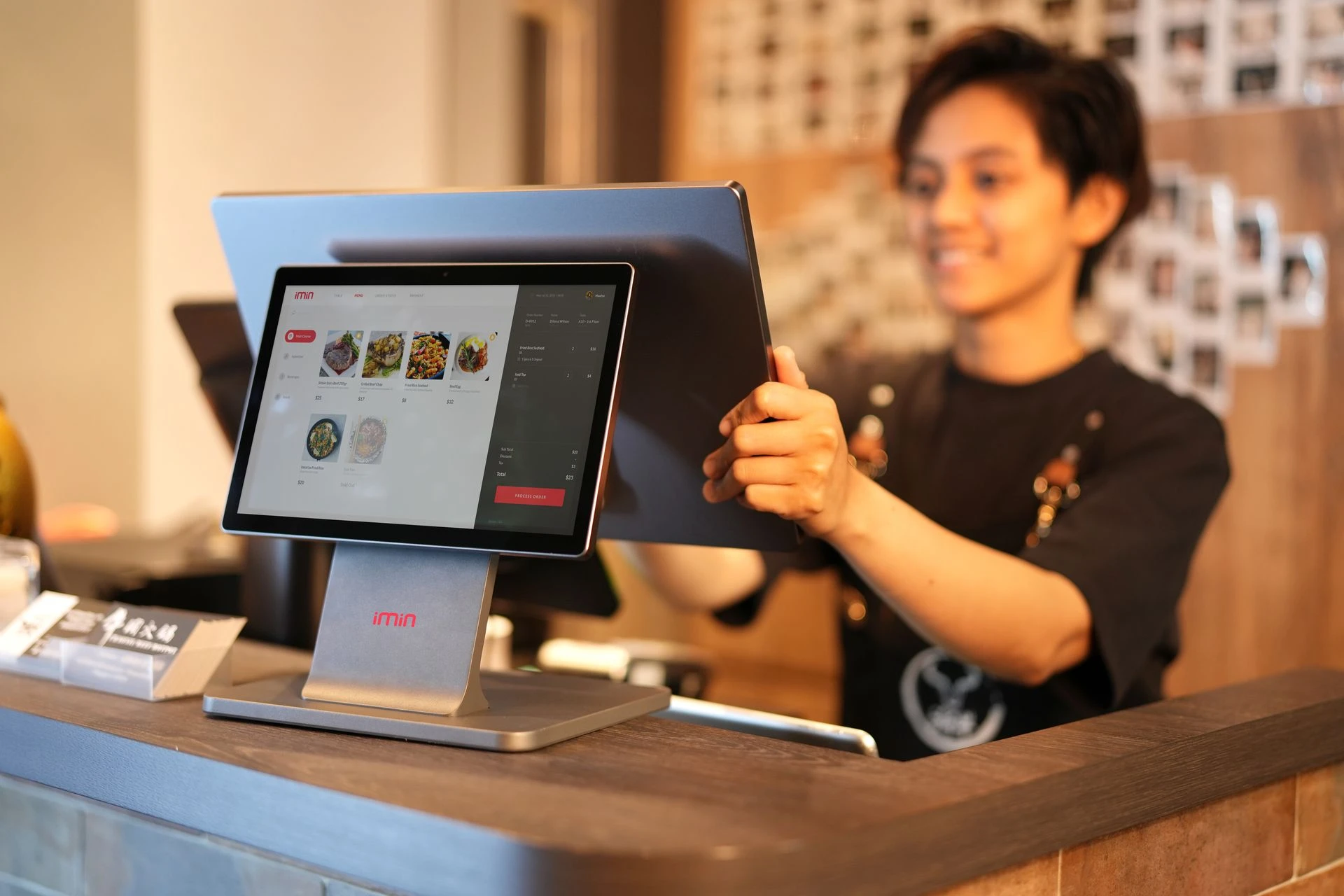
Illustrative POS workspace; equipment and interface shown are representative. Photo: iMin Technology / Pexels.
Start with the Way Your Business Works
A useful point-of-sale setup begins with the daily activities of the business. Employees need a clear way to handle transactions, managers need information they can review, and customers expect a straightforward experience at the counter.
POSPro.cloud is part of Seigosoft’s cloud POS offering. When discussing a potential implementation, we begin with the operation itself: what the business sells, how employees work, which equipment is involved, and what needs to happen from the start of a transaction to the end-of-day review.
Look Beyond the Normal Sale
A demonstration becomes more useful when it follows realistic situations. Start with a typical sale, then consider the exceptions that employees encounter. How should a correction be handled? Who should approve a price adjustment? What information is needed when a customer returns with a question?
Write these situations down before reviewing the proposed solution. A short list of representative tasks gives everyone a shared basis for evaluating the workflow and identifying requirements that need further discussion.
Clarify Staff Responsibilities
A business owner, supervisor, and cashier may have different responsibilities. Identify who maintains business information, who performs routine transactions, and who reviews unusual activity or operational questions.
Use those responsibilities to guide the discussion about access and working procedures. Confirm the functions and configuration available for the selected solution, then document the process employees are expected to follow.
Bring the Equipment into the Conversation
A POS operates within a physical workspace. Counter space, screen placement, power connections, receipt printing, scanning, and network access can all affect the working experience.
Before purchasing or reusing equipment, review the proposed devices and confirm compatibility. Also discuss how the business should respond if a device or connection becomes unavailable. Any continuity arrangements, equipment requirements, and support procedures should be agreed as part of the implementation scope.
Introduce the Workflow in Manageable Steps
Prepare a small, representative set of products or services for the initial walkthrough. Include the employees who will use the system and let them work through both routine tasks and common exceptions. Capture their questions and resolve essential configuration issues before expanding the rollout.
After implementation, assign responsibility for maintaining business information, reviewing access, and following up on operational concerns. Consistent processes help employees work with confidence and give management a clearer basis for reviewing day-to-day activity.
Join the Discussion
Every business has a transaction that tests its process: a return, a price correction, a busy counter or a connection problem. Which situation is hardest for your team to handle consistently? Tell us your business type and the workflow you would want to see in a POS demonstration.


Comments: