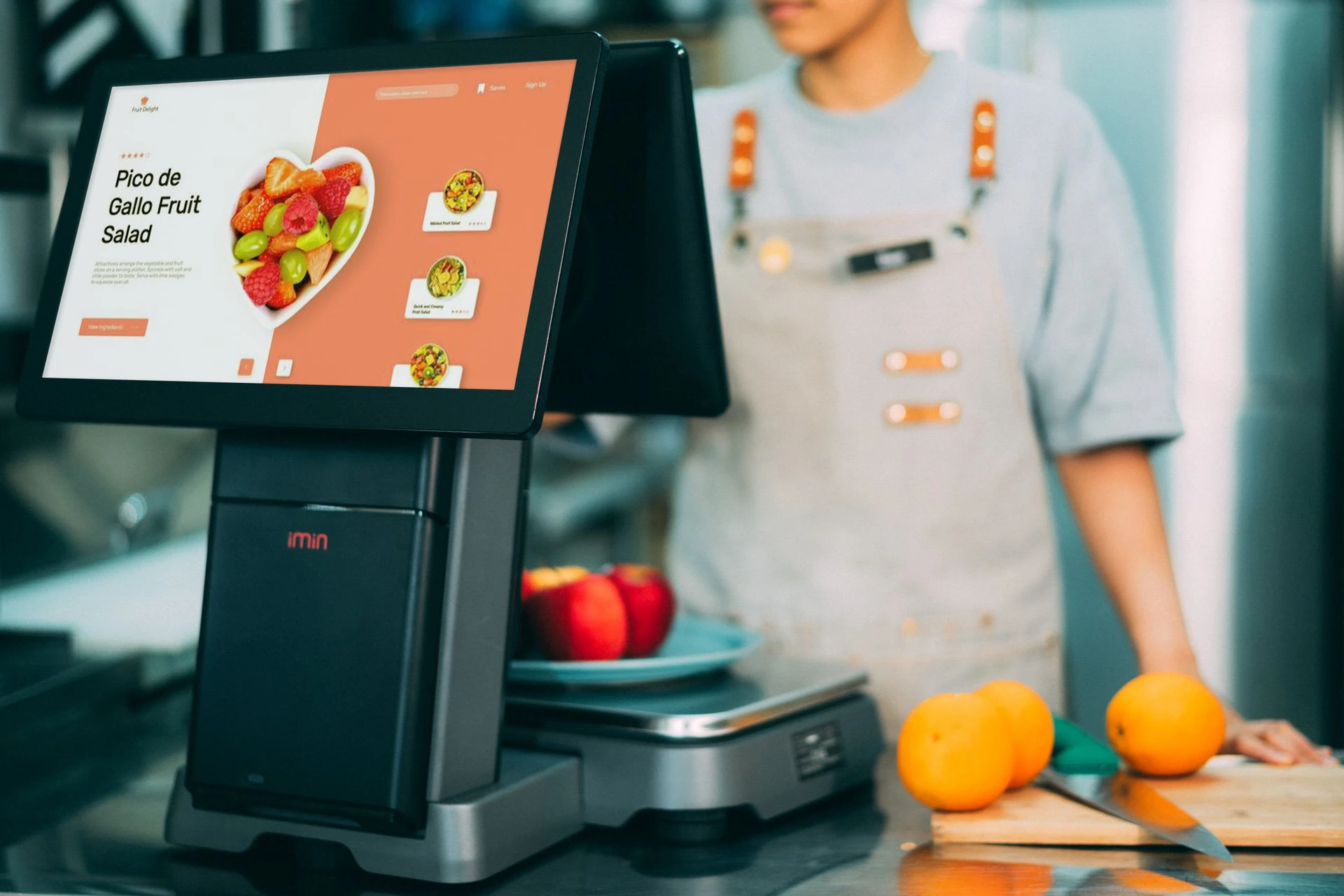
Illustrative POS equipment and interface. Hardware and software compatibility are confirmed for each implementation. Photo: iMin Technology / Pexels.
A More Connected Way to Run the Business
A sale creates more than a receipt. It changes stock levels, contributes to revenue reporting, and becomes part of the customer’s relationship with the business. When these activities are handled separately, employees spend valuable time reconciling information.
SalesPro.cloud brings cloud-based point of sale and business management into Seigosoft’s digital platform offering. Its published capabilities cover sales, inventory, customer management, and operational reporting, with browser access that allows authorized users to work from suitable connected devices.
Keep Sales and Stock in View
SalesPro.cloud’s stock management capabilities cover multiple branches and warehouses, stock history, lot numbers, and expiry information. These tools help teams organize the information that sits behind everyday sales and stock decisions.
The practical value depends on the quality of the information entered. Clear product names, consistent units, accurate opening quantities, and a defined process for receiving goods make the system easier to use and its records easier to interpret.
Support the Work Around the Checkout
The platform’s published capabilities extend to user roles and permissions, service invoicing, repair management, customer relationship management, and business reports. These areas connect the checkout with activities that continue before and after a transaction.
For a repair business, for example, the conversation may begin with job sheets and technician assignments. A retailer may place greater emphasis on stock visibility and pricing. A business operating several locations may prioritize branch access and consistent reporting.
Start with Your Actual Workflow
SalesPro.cloud identifies retail, wholesale, departmental stores, electronics businesses, and repair shops among its intended business uses. The right configuration still begins with the way your organization operates.
- Products and services: What do you sell, and how are items, quantities, and service charges recorded?
- Locations and users: Who needs access, where do they work, and which responsibilities should each person have?
- Daily transactions: How should staff handle a normal sale, a correction, a return, and an end-of-day review?
- Equipment: Which scanners, printers, displays, and network connections are involved?
- Reporting: Which information does management need to review each day, week, or month?
Make the Rollout Practical
A useful demonstration should follow a representative working day. Prepare a small sample of your products or services, involve the employees who will use the system, and review the steps together. Confirm the selected plan’s limits, required modules, equipment compatibility, and implementation arrangements before committing to a wider rollout.
Document responsibilities for maintaining product records, reviewing user access, and helping staff resolve routine questions. A clear operating process gives the business a stronger foundation for using its software consistently.
Explore SalesPro.cloud or contact Seigosoft to discuss your POS and business-management requirements.
Join the Discussion
Sales, stock and customer records often end up in separate places. Which part of that workflow creates the most extra work in your business—checkout, stock control, repair jobs or reporting? Share your industry and one process you would like to improve.


Comments: